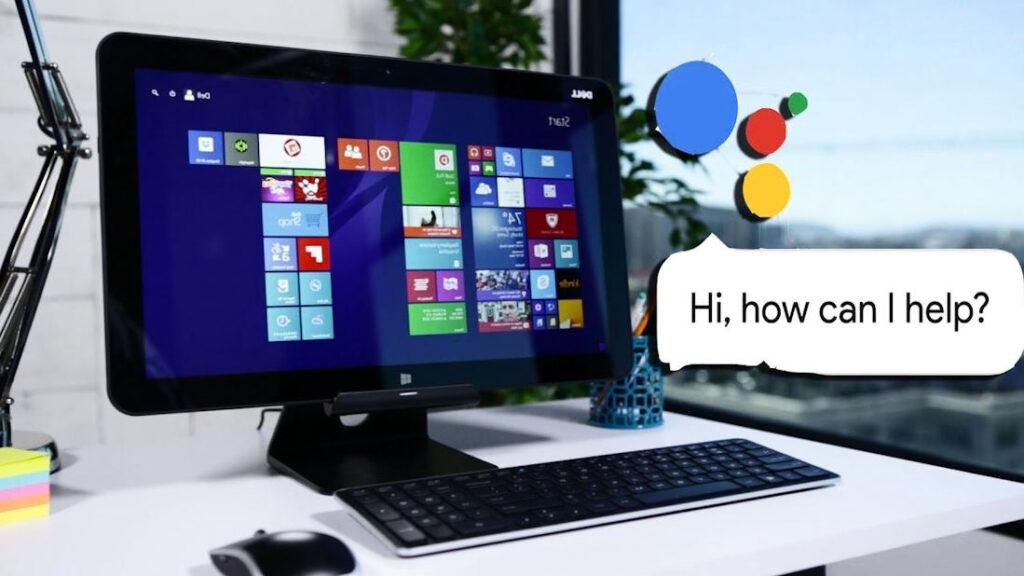
Dictation is a good feature to use on any computer and talk to a computer at any time. You can use dictation to let your computer understand what you are saying. This is because the dictation feature turns the speech of users into text or commands. There are so many things involved in the process of enabling dictation and voice recognition on the computer. If you are a beginner to dictation, then you can focus on its benefits and make certain how to use it.
Explore everything about the dictation
Dictation software lets its users multitask especially creating a schedule while they are too busy with their hands-on projects. Individuals with difficulties typing on a keyboard can use computers with the dictation feature to operate. This is because dictation software can assist with spelling as it uses the right word as per the context of a sentence.
Have you decided to empower your computing experience with voice-activated technology at this time? You can research the fundamentals and complex aspects of the text-to-speech system in detail. You will make an informed decision about using the voice-activated technology.
People who prefer speaking instead of writing can use dictation to type as efficiently as possible. If you type slowly and think about how to quickly complete typing tasks, then you can use the dictation tool.
There are different resources designed particularly for optimizing your computer’s performance through voice control at this time. You can prefer and use the text-to-speech system hereafter for improving your career life further.
Dictation on computers and mobile devices has room for enhancement and continues to enhance. Individuals with visual and other impairments can use the dictation and get exceptional benefits from the text-to-speech system. You have to spend enough time to learn for using a dictation tool to your advantage.

How to enhance the voice interaction
Every user of the mobile devices can use the dictation and get excellent benefits. They can use dictation anywhere with modern built-in virtual assistants, especially Google Assistant and Siri. Siri is the system-wide dictation engine for iOS devices. You can use this tool to search the web, ask questions, and check the weather.
You can let Siri listen to you and follow the suitable voice commands. You have to press the microphone icon especially next to the spacebar on your on-screen keyboard to dictate in an app. Dictation is helpful for expanding your computer’s capabilities with voice interaction and fulfilling the expectations of its users. You can prefer and use this tool hereafter and get the most expected benefits.