Learning a foreign language using Text to Speech software.
Most of us really struggle to learn a foreign language and this is more evident as we get older. We need as many tools and resources we can find to help us achieve our goals and master the foreign language we are trying to learn. Resources and tools include software, websites, books, audiobooks, friends, teachers etc. SpeakComputer free Text to Speech software is another tool that can be used and added to your list of resources and tools to help you learn that foreign language.

Imagine for a second you are trying to learn Spanish as a foreign language and your primary resource is the Internet (as most of us do). Now we know that the Internet is a great resource for learning Spanish but there is one major and extremely important issue. The issue is, you can read the resource but what you cannot do is hear what the web page will sound like if a native Spanish speaker was reading it. Basically, you cannot hear the pronunciation or the Spanish words.
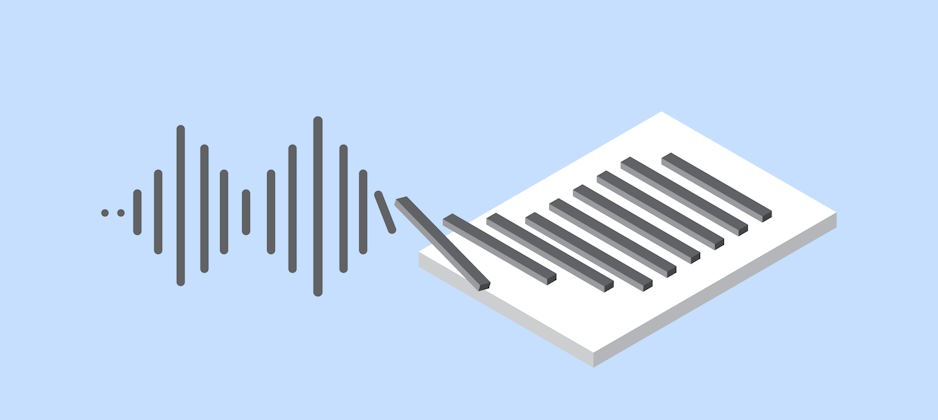
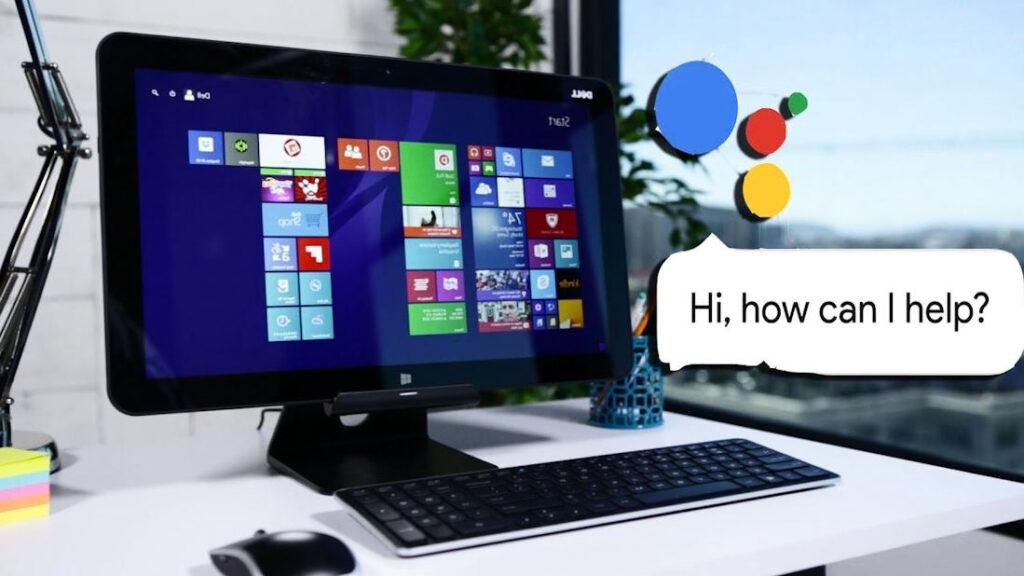
What SpeakComputer does is it reads any text aloud in any language using natural sound Text to Speech voices. SpeakComputer can read aloud any selected text from any application using any of your pre-installed Text to Speech voices. Now id we go back to learning Spanish, using SpeakComputer Text to Speech software you can go to any web page written in Spanish, select the text, click Speak and have the software read back the selected text aloud in Spanish. What’s more, you can use the SpeakComputer Reader to type in words, phrases, paragraphs and complete documents and have the Reader speak back the words. SpeakComputer goes further, with the Mini Speaker, you can use any software application, selected a word, paragraph or phrase and click Ctrl+C and the Mini Speaker will read the words out aloud using natural sounding Text to Speech voices.
But SpeakComputer free Text to Speech software goes beyond basic Text to Speech. The software also includes a speaking clock. The speaking clock will greet you when you logon to your computer, announce the time at selected time intervals. All of which can be customized to suite your needs. SpeakComputer free Text to Speech software also includes Appointment Reminders. Now you can set appointments and the software will alert you to the appointment by reading aloud the appointment details. Going further, SpeakComputer free Text to Speech software also includes Image Presentation software. Now when you go on holiday or go out for night or even an event, with your digital camera you can take photos and upload them to your computer and create an image presentation and associate text (foreign language) to each image. Share your presentation with family, friends or fellow students. When they view your presentation the software will read back aloud the associated text.
As an additional tool for learning a foreign language, SpeakComputer free Text to Speech software is highly recommended and can be useful in many situations. You can use SpeakComputer to help you learn any language you want as long as you have the pre-installed Text to Speech voice.
NOTE: SpeakComputer free Text to Speech software is a suite Text to Speech Readers. SpeakComputer makes use of pre-installed Text to Speech voices. SpeakComputer does NOT include any Text to Speech voices. We do highly recommend
Cepstral Text to Speech voices although SpeakComputer works with most Text to Speech voices.
SpeakComputer free Text to Speech software is free to use. Everyone can use our software without prior permission including for private or business use.
Download page for SpeakComputer free Text to Speech software
|
|
|
|
|
|
|
|
|
| Advertisement |
|
Amazon Kindle |
|
|
|
|
|
|
|
|
|